A tiny, fast scratchpad for Mac
Text editor and clipboard manager in one. Multi-tab, syntax highlighting, clipboard history – always one hotkey away.
Want it on iPhone and iPad too? The App Store version is a one-time universal purchase – it unlocks all your devices and supports development.

Text editor
Small yet powerful editor
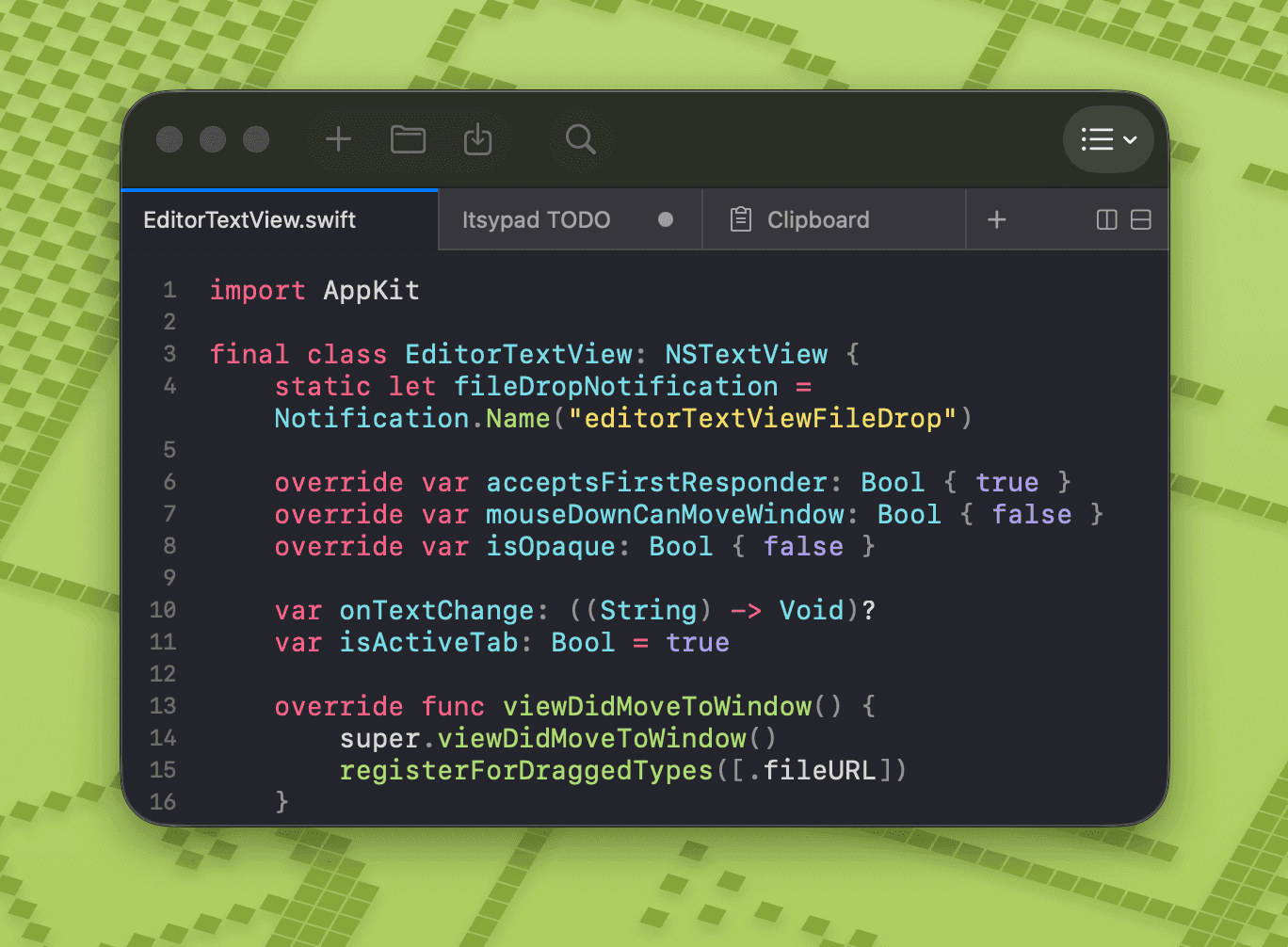
Syntax highlighting for 185+ languages with automatic detection. Multi-tab with drag-to-reorder, split view right or down, find and replace, clickable links. All tabs, content, and cursor positions persist across restarts.
185+ Languages · Multi-Tab · Split View · Find & Replace
Editor features
iCloud sync
Sync scratch tabs across all your Macs seamlessly
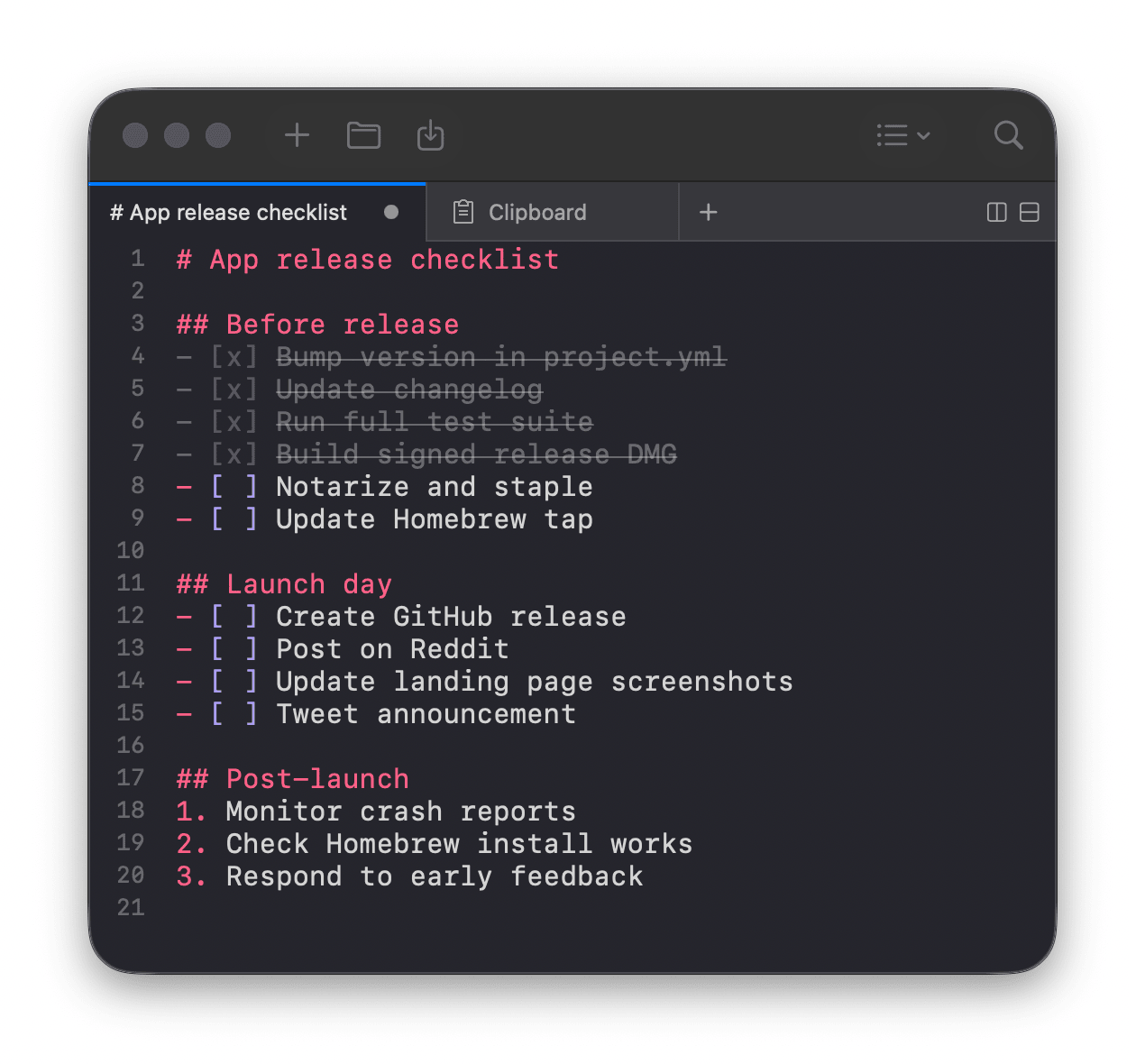
Lists and checklists
Markdown bullets, numbered lists, and toggleable checkboxes
Session persistence
Tabs, content, and cursors preserved across restarts
Multi-tab
Work on multiple files at once, drag to reorder
Split view
Split right or down to see two panes side by side
Find and replace
Built-in find bar with next/previous and use selection
Monokai theme
Dark and light variants following system appearance
And much more
Clickable links, always on top, auto-save, open files, Dock and menu bar icon
Clipboard
Clipboard manager
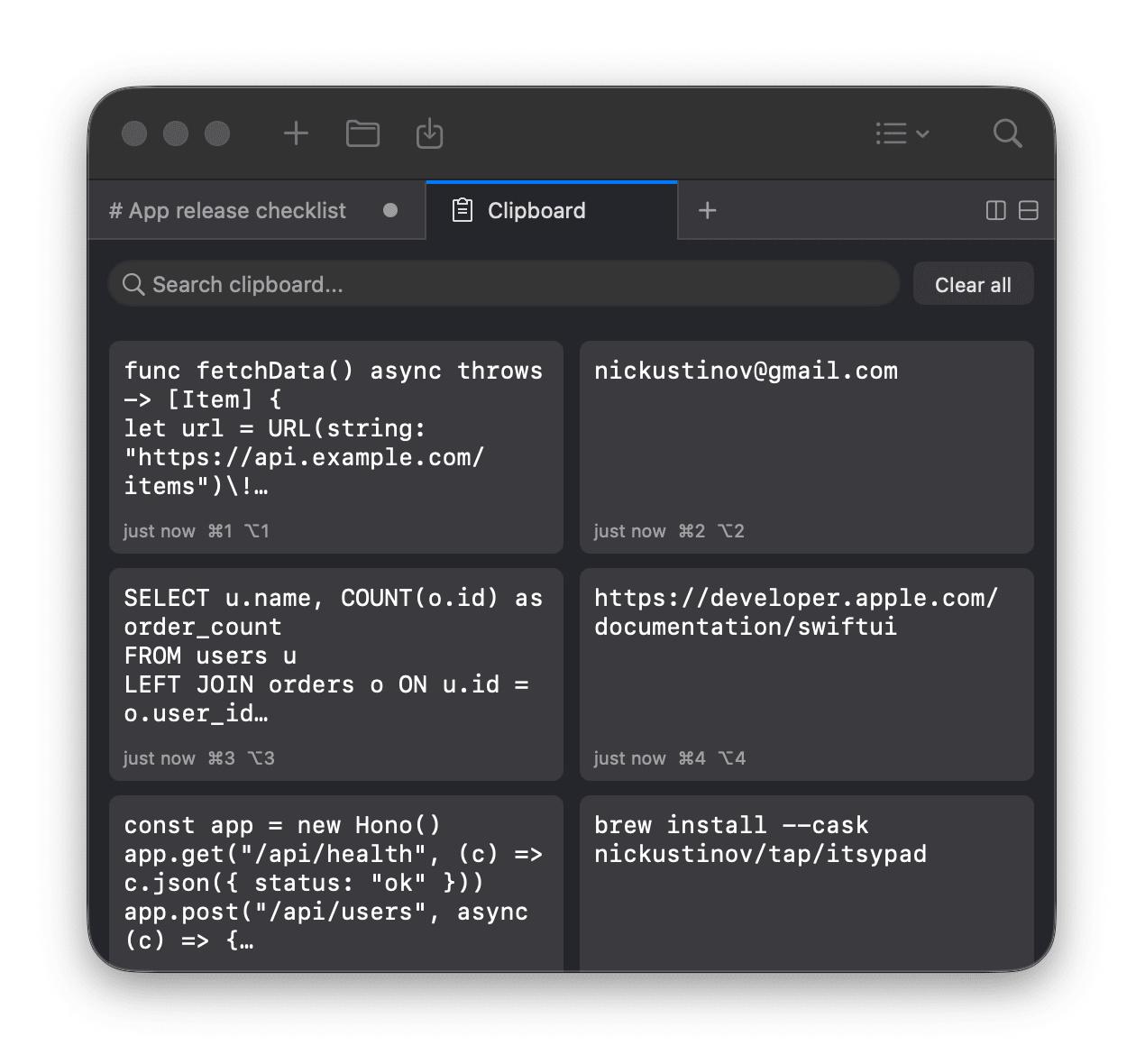
1,000-item history with search, keyboard navigation, and grid or panel layout. Click to copy, hover to preview, quick-access with ⌘ 1–9. Assign a dedicated hotkey to show the clipboard instantly.
1,000 Items · Searchable · Grid or Panels
Clipboard features
Text and images
Stores up to 1,000 clipboard entries of any type
Searchable
Filter history with highlighted search matches
Copy or paste
Click any entry to copy, or paste directly into the active app
Quick-access shortcuts
⌘ 1–9 to copy, ⌥ 1–9 to paste into active app
Zoom preview
Full-content preview in a near-fullscreen overlay
Keyboard navigation
Arrow keys to browse, Enter to copy, Space to preview
Grid or panels
Switch between multi-column grid and full-width rows
Configurable cards
Adjust preview line count and font size in settings
Delete entries
Remove individual items on hover
Separate hotkey
Assign a dedicated global hotkey to show clipboard
Always ready
Global hotkeys
Triple-tap left ⌥ to show or hide instantly. Or define your own hotkey. Works system-wide, even from fullscreen apps. Pin the window on top with ⇧⌘T.
Triple-Tap ⌥ · Custom Hotkey · Always on Top
Native macOS app
Lightweight
Built with AppKit and Swift from the ground up — no Electron, no web views. Nearly zero CPU and memory usage. Launches instantly, stays out of your way.
AppKit · Swift · Near-Zero Resources
iOS companion
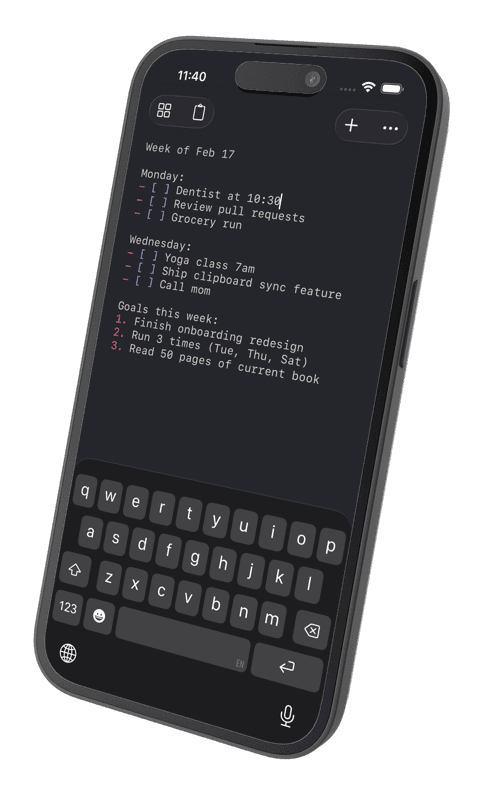
Itsypad in your pocket
A tiny, fast scratchpad and clipboard manager for iPhone and iPad. Start a note on your Mac, pick it up on your phone – everything syncs via iCloud. Included with the one-time App Store purchase, across all your devices.



Frequently asked questions
Is Itsypad free?
Itsypad is free on Mac via Homebrew and GitHub. On the App Store it's a one-time universal purchase that also unlocks the iPhone and iPad app, with no subscription. It is open source under the MIT licence.
What is Itsypad?
Itsypad is a tiny, fast scratchpad and clipboard manager. It combines a multi-tab text editor with syntax highlighting for 185+ languages and a searchable clipboard history of up to 1,000 items, synced across your devices over iCloud.
Which platforms does Itsypad run on?
Itsypad runs on Mac (macOS 14 Sonoma or later), where it lives in the menu bar, and on iPhone and iPad (iOS / iPadOS 17 or later). iCloud keeps your scratch tabs and text clipboard entries in sync across all of them.
Does Itsypad have a clipboard manager?
Yes. Itsypad keeps a searchable history of up to 1,000 text and image items. View it as a grid or panel, click to copy or paste into the active app, and use ⌘1–9 to copy or ⌥1–9 to paste.
How do I open Itsypad quickly?
On Mac, triple-tap the left Option (⌥) key to show or hide Itsypad instantly, with a separate hotkey for the clipboard. Both hotkeys are customisable, and you can pin the window always on top.
Is my data private?
Yes. Itsypad is local-first: your data stays on your device by default. Optional iCloud sync uses Apple's CloudKit, encrypted in transit and at rest. There is no AI, no telemetry, no tracking, and no ads.
Free and open source
No ads, no tracking, no telemetry. macOS 14 Sonoma or later.
One-time universal purchase – also unlocks iPhone and iPad.